 Macaw OS
A pretend 1990s computer you can program
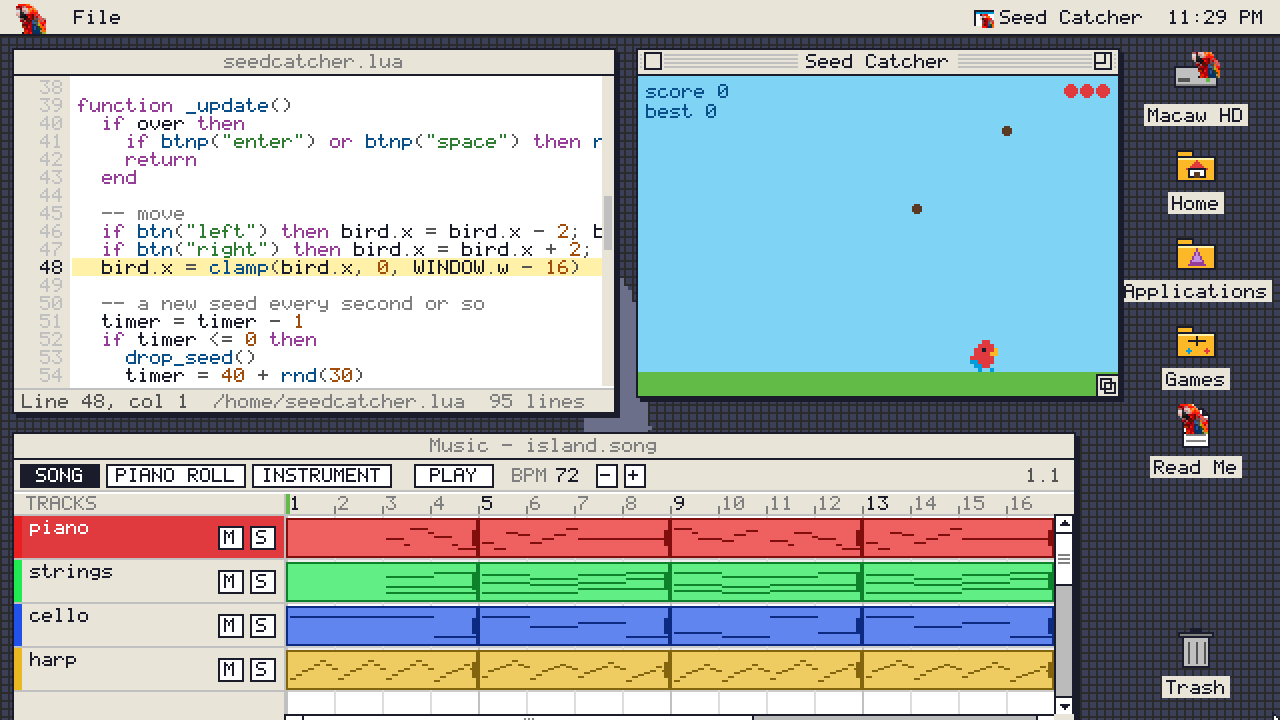
Macaw OS is a made-up desktop computer for making things. You write games in Lua, build 3D levels, compose music and draw pixel art, and you can put up a website on its own dial-up network. Every program on it is written in Lua, the editors too, so you can open any of them and see how it works.
It's free. It runs in a web browser, on Windows, on PowerPC Macs and on the Raspberry Pi.
- Your browsernothing to install
- Windows10 and 11
- Mac OS X10.4 Tiger and up, PowerPC
- Mac OS 9classic, on PowerPC
- Raspberry PiZero, Zero 2 W and up
Games
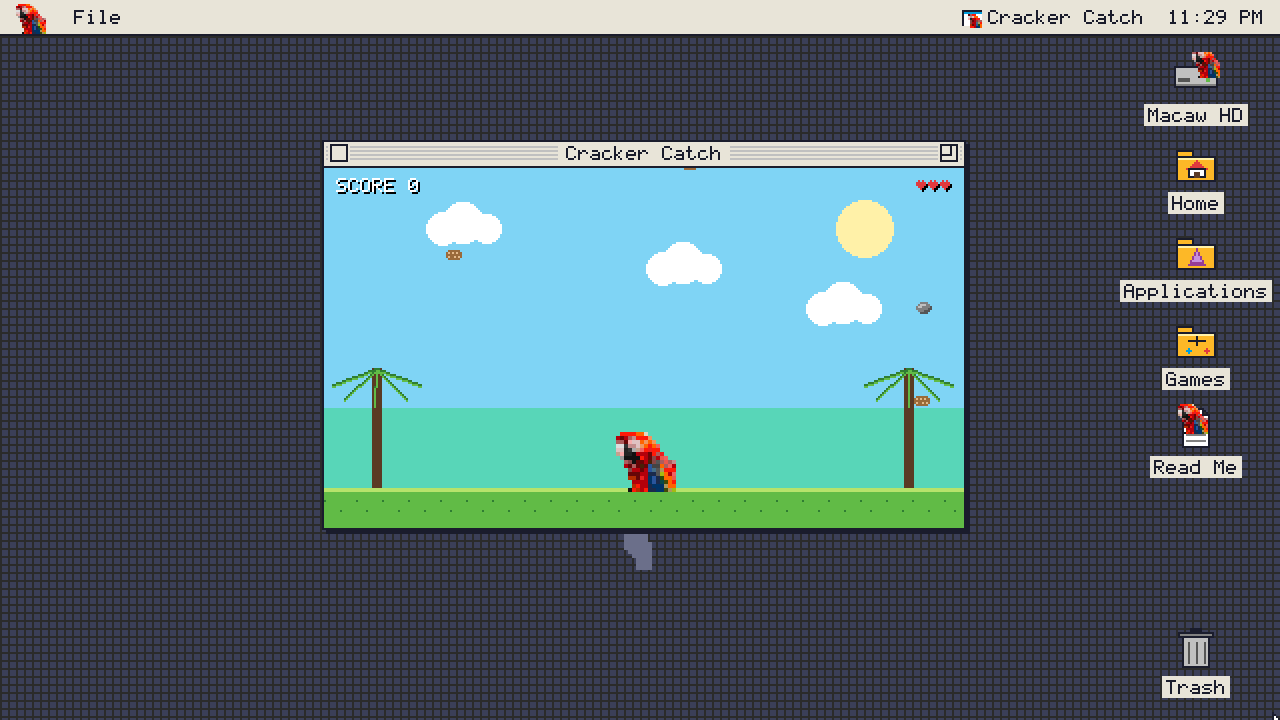
Open Terminal and type newcart mygame. That gives you a game that already
runs. You draw the sprites, lay out the map and make the sounds and music without leaving
Macaw OS, and Ctrl+R plays it. When it's done, it packs into a single .cart
file that anyone can double-click.
If your code gets stuck in a loop, Macaw OS pauses that program and everything else keeps running.
3D levels
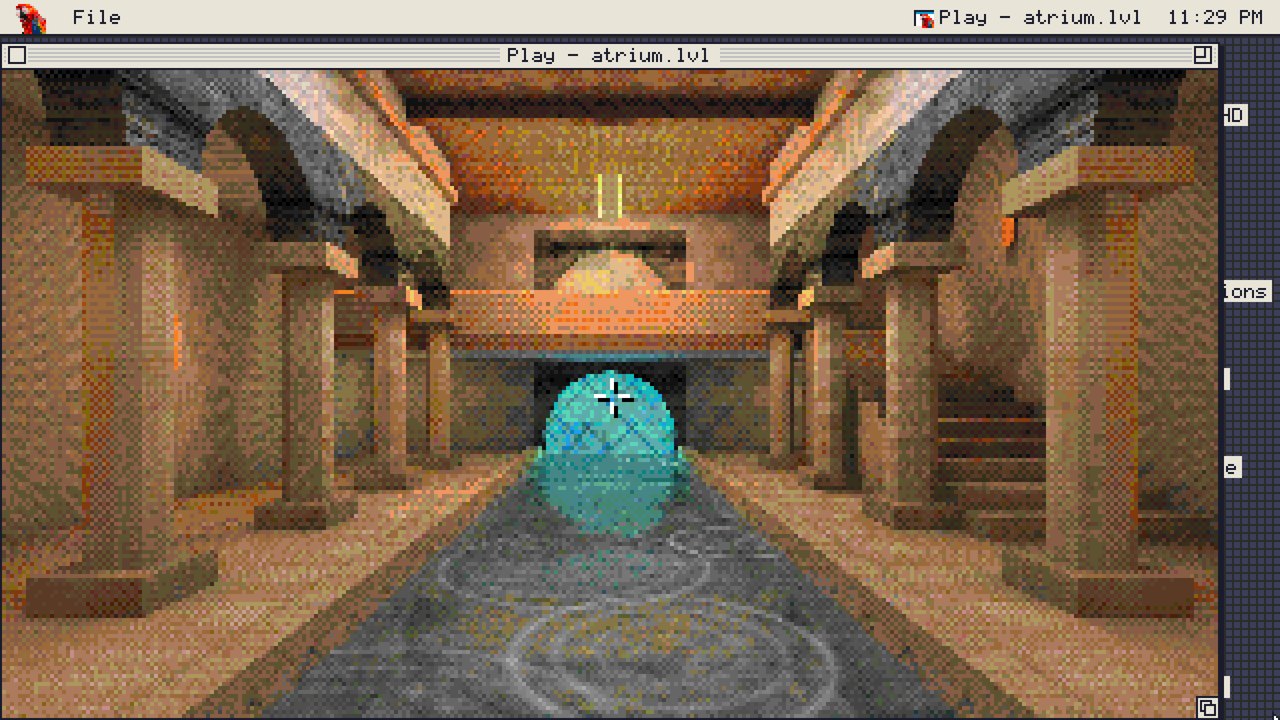
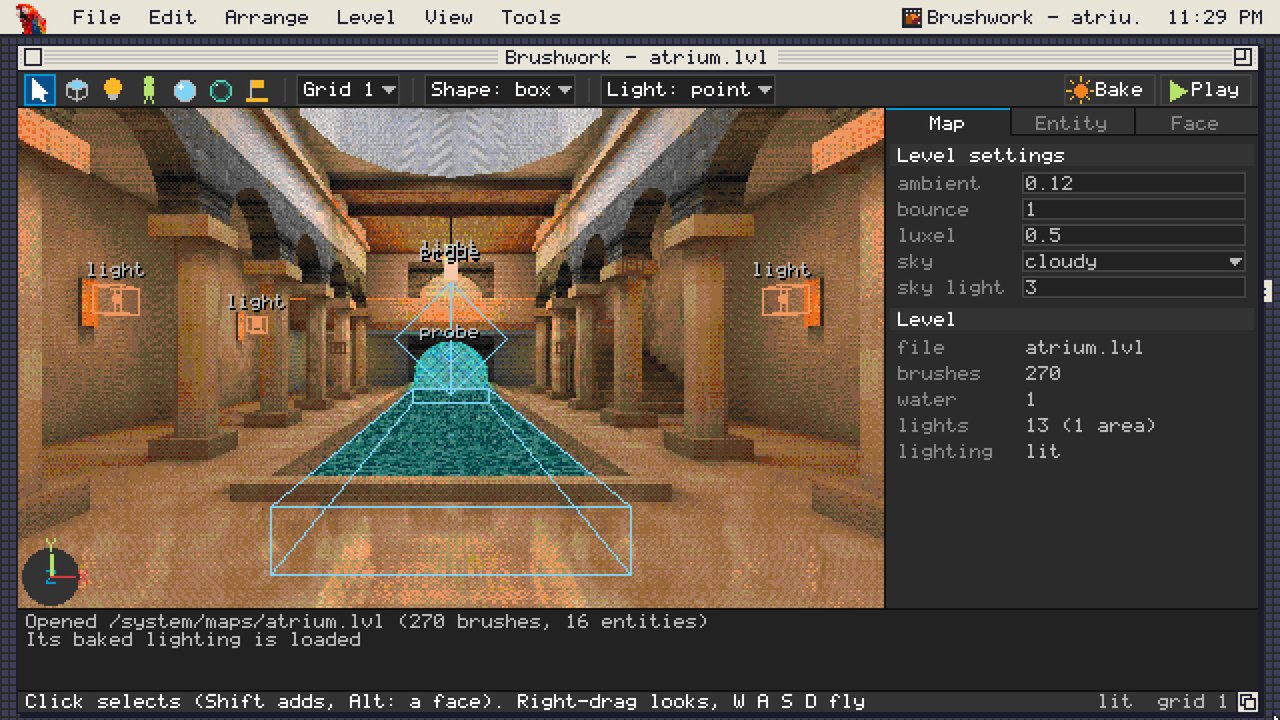
Brushwork is the level editor. You build rooms out of brushes (boxes, wedges, stairs, arches and cylinders) and cut them out of each other. Add lamps and glowing panels, bake the lighting, and it works out the soft shadows and the light bouncing around the rooms. Then walk around in it. Water reflects the room, and you can make floors and walls shiny too.
Your own programs can use the same 3D engine. There are also meshes, moving objects that bump into each other, and a graphics chip you program like early OpenGL. If the computer has a graphics card, the card does the drawing. If it doesn't, the processor does.
Music
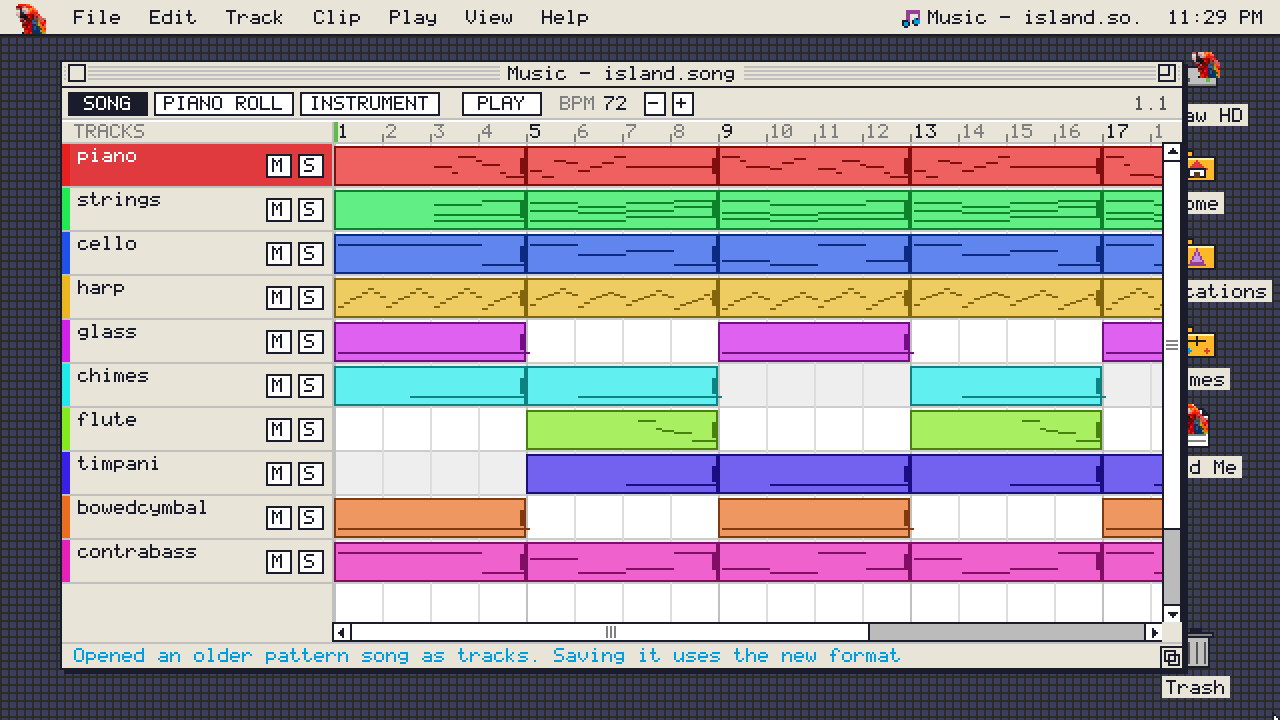
The S16 sound chip plays 16 voices at once, with echo and reverb. You can draw your own synth sounds or use recorded instruments, like piano, strings, harp, flute, marimba and drums. Write songs in the piano roll, then play one in your game with a single line of code.
Learning to program
WINDOW = { w = 240, h = 160, title = "Hello" }
function _draw()
  cls(colors.navy)
  text("Hello, Macaw!", 8, 8, colors.yellow)
end
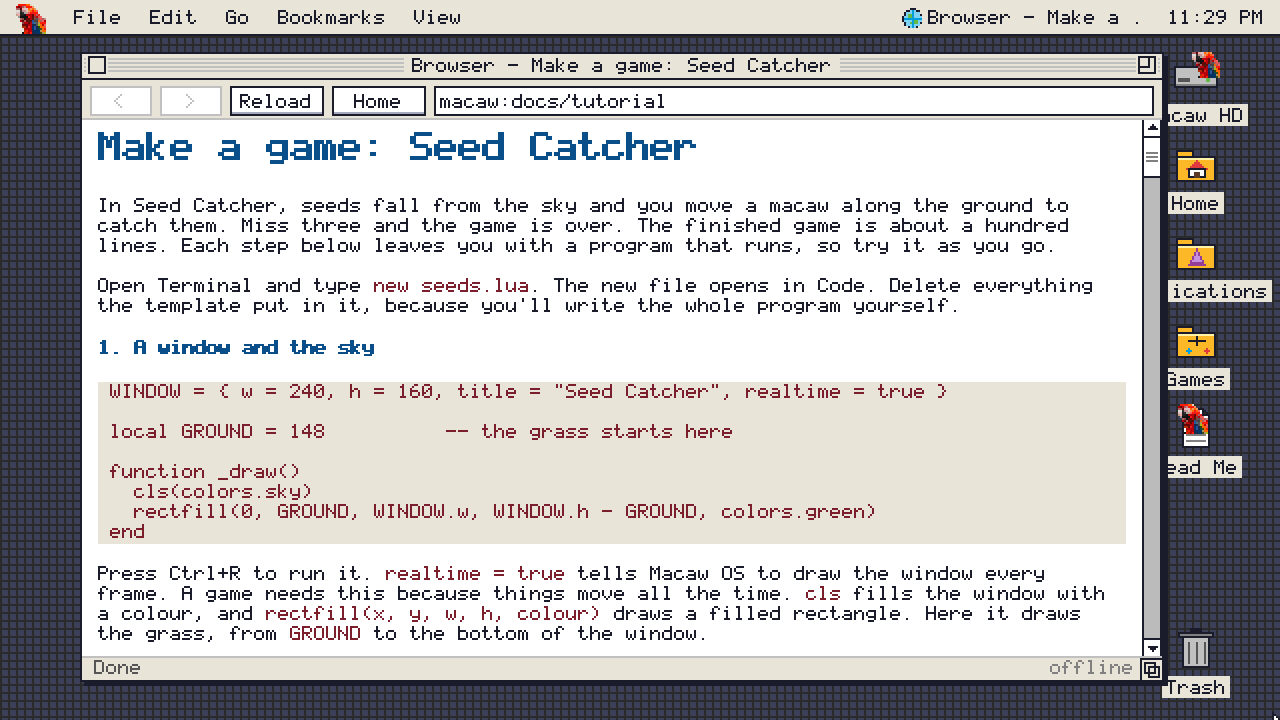
The programming guide starts with a small program like this one and goes on to 3D, levels and networking, with a full game built along the way. It's here on the website and inside Macaw OS.
The Macaw network
Macaw OS connects to a Macaw ISP over a pretend dial-up line, at whatever speed you pick. Once you're on, you can see everyone else who's dialled in and the sites they've made. There's a web browser, FTP, and Hotline for chat, news and sharing files.
Sign up and you can register a name like mysite.com. Once the admin approves it, anyone on the network can visit. You can edit the pages here on the website, or serve the site from your own copy of Macaw OS.
- dialled in now
- sites
Sites on the network
- Asking the ISP...
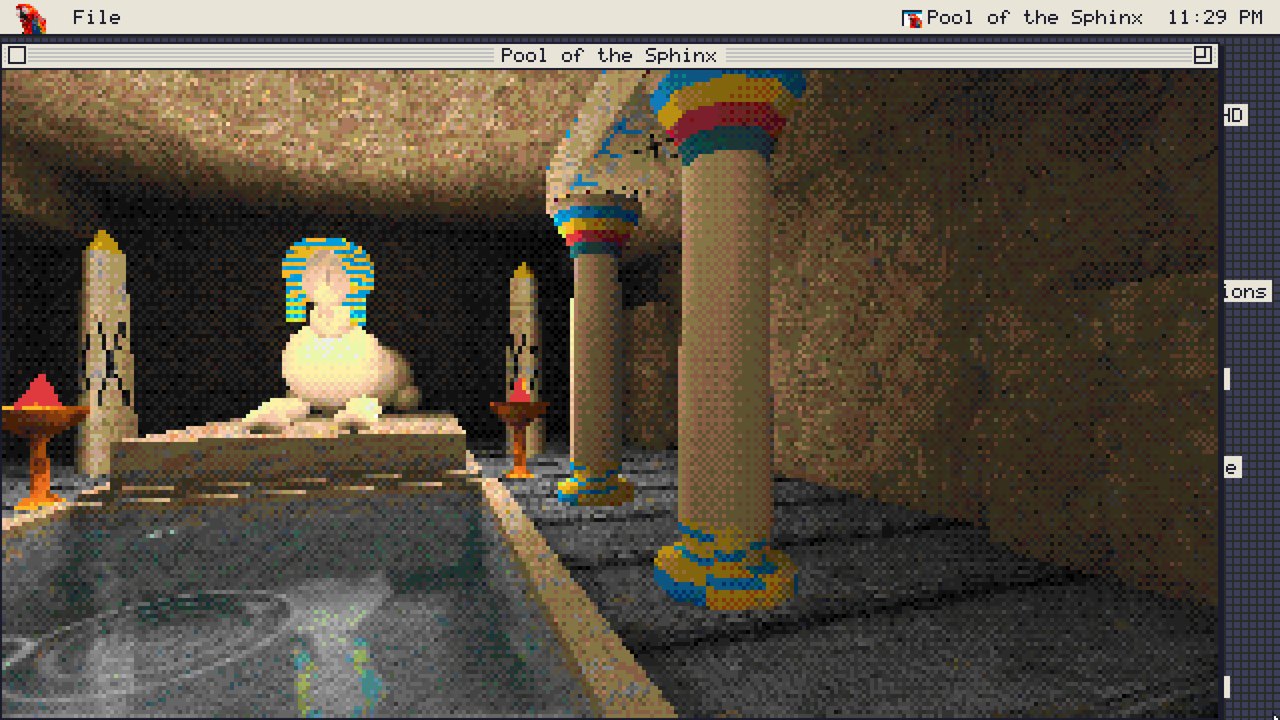
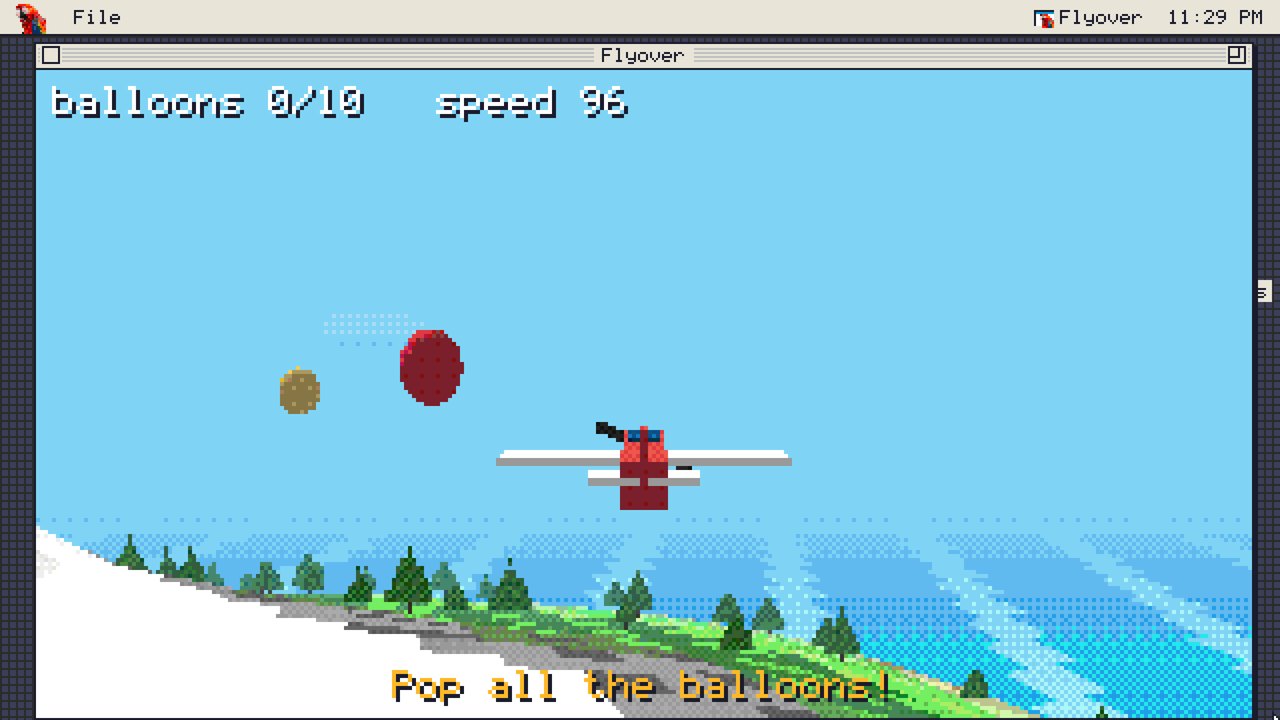
The Pool of the Sphinx and Flyover, two of the games that come with it. Each one is a folder of code you can open and change.